See what the class needs.
Help with exactly that.
For parents, grandparents, relatives, friends and neighbors who want to help a classroom: find the list, buy what is still needed, and let the teacher know it is coming.
Free to use. You buy directly from the store.

Three steps, no guesswork.
Find the list
Open the link the teacher shared, or search for the school by name or ZIP code and pick the class.
Choose what to buy
Every item shows how many are requested, how many have arrived and how many are still needed after pending claims.
Buy it and record it
Follow the store link, buy it there, then mark it as purchased so the next person sees it is covered.
A list that tells you what is still open.
Help the classroom
Shared classroom supplies and the teacher's wishlist, with the essentials marked Most needed.
Shop your family's list
Switch to the per-family view to see what each family is asked to bring, with an approximate total for items that have a known price.
Straight to the store
Gift This opens the item at the store. Prices show only when they were checked in the last 24 hours. There is no cart: buy each item on the store's own site.


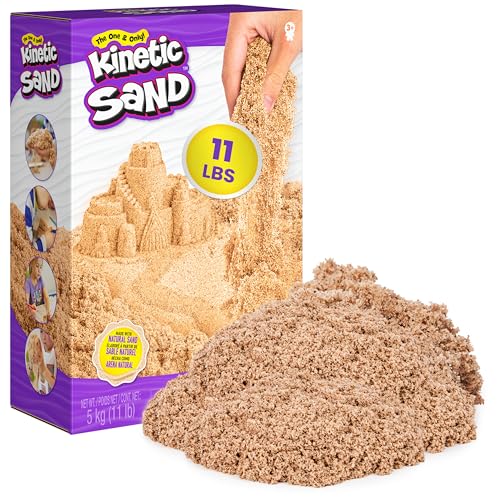
What classrooms ask for, by grade.
The supplies that classroom lists ask for most in each grade band, so you can see what is typical before you shop.


Early learners
Pre-K and K


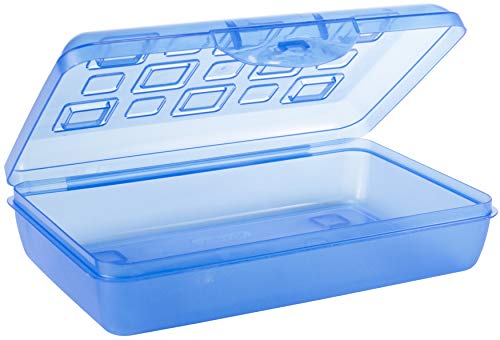
Elementary
Grades 1 to 5


Middle school
Grades 6 to 8


High school
Grades 9 to 12
Tell the teacher it is on the way.
Recording what you bought is what keeps two people from buying the same thing.
Mark as purchased
Sign in with Google or an email link and enter the quantity. Your claim is held right away. Your name and message are visible only to the teacher.
Bought it somewhere else?
Record it the same way. For items without a store link, the list says to arrange it with the teacher.
School-run lists
On class lists a school manages, record what you bought for your own family without an account. Only the class's teachers and school managers see your private reference.
Invited to a thank-you?
When a room parent or parent group invites you to an appreciation event, the email opens the invitation. Join with Google or an email sign-in link.
Buy it or Bring it
Pick an item, choose how many, and say whether you will buy it or bring it. Add an optional note if it helps.
Private to the group
Only the people in the event can see it, and it never appears in search.
Have supplies to pass on?
Anyone with a confirmed account can offer supplies on the classroom exchange or help with a classroom request. Deliveries go only to approved school locations, never to a home address. Explore the classroom exchange →
Questions families ask.
Does any of my money go through ChalkStash?
No. You pay the store directly. ChalkStash does not take donations or hold money. Some product links are affiliate links, which may earn ChalkStash a commission at no extra cost to you.
Does a claim mean the teacher got it?
Not yet. A claim is your own report. The item counts as received once the teacher confirms it arrived.
Where do I find my records?
Purchases you record for a school-run class list are listed on your family purchases page. You can cancel a report until the school confirms receipt.
Who can use ChalkStash?
ChalkStash accounts are for adults, 18 or older.
Find the classroom you want to help.
Search for the school by name or ZIP code, or open the link the teacher sent you.
Find a schoolSchool details come from a public directory and may be out of date.
ChalkStash is free to use. Some product links are affiliate links, so a purchase may earn ChalkStash a commission at no extra cost to you. Read the affiliate disclosure.