Supply lists your school
can stand behind.
For principals, supply coordinators and district staff: verified roles, class lists the school owns, and public pages that share only what they should.
Free to use. The school directory is built from public federal school records.

A title is a claim. Access is verified.
Choosing a role when you join grants nothing on its own. Every school and district role is checked.
School email, verified fast
A teacher who confirms an email at the school's or district's own known domain is verified for a classroom role right away.
Managers always reviewed
Principals, assistant principals and supply coordinators can manage every class, so a person at ChalkStash reviews each one. No one approves their own application.
Renewed every year
Approved memberships expire after a year. A teacher who moves schools picks which membership to replace, and the old school keeps its lists.
Class lists that belong to the class.
Built for the way schools buy
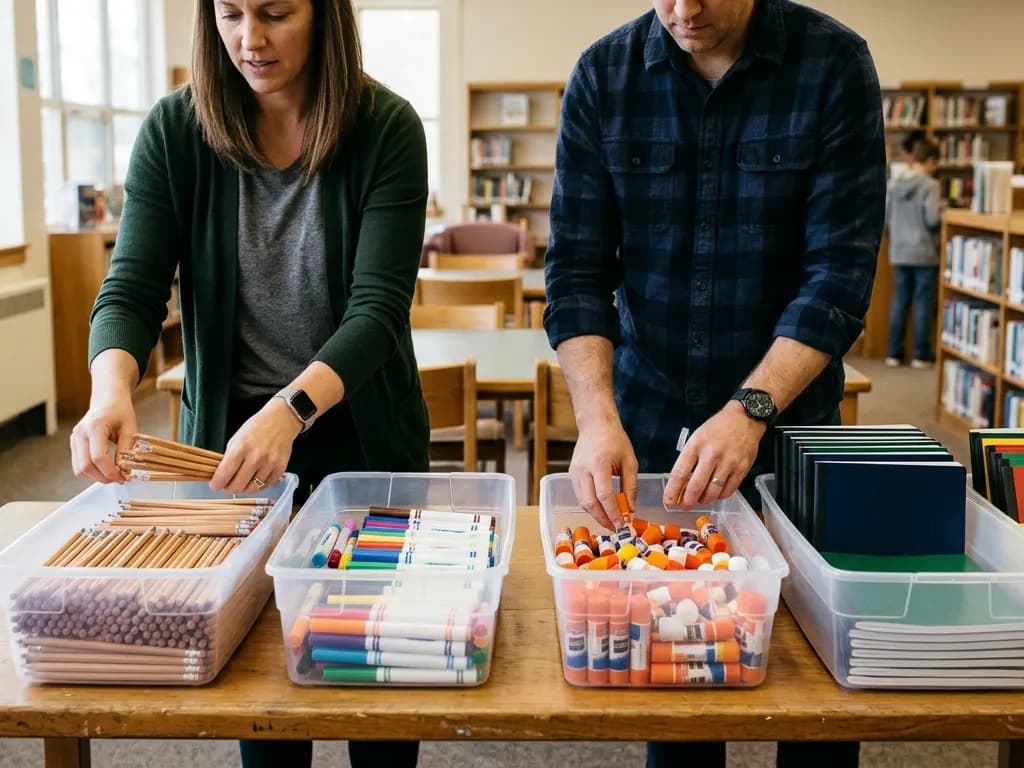
Principals and supply coordinators set up classes and lists for the whole school, then see every item across those lists in one supply overview, with requested and received counts side by side.
Set up classes and programs
Homerooms, music, art, PE, the library, special education, clubs and more, each with its own grade and school year.
Assign teachers
Assign one or several teachers to a class. School managers can build the list before anyone is assigned.
Reuse what works
Save a class list as a reusable template and start next year's lists from it.
Keep the history
When an assignment ends, the school's lists stay with the class instead of leaving with the teacher.
One supply overview
See every catalog item across the school's active class lists, with planning estimates and requested and received counts, and replace a product across lists in one step.
Private family reports
Families record what they bought for a class list. Only assigned teachers and school managers see those reports, and they record what actually arrived.
District roles
Superintendents and district directors can manage classes, templates and supplies across the district's verified schools. A read-only reporting role sees lists without changing them.
Careful about what is public.
Your school page shows classes and their public lists. Everything else stays private.
Names by choice
Teacher names appear on the school page only when the teacher opts in, and never with an email address.
No street addresses
Public pages show the school's name, city, state and ZIP. Street addresses and family details are never shown, and profile details such as the mascot stay private until a manager publishes them.
Out of search by default
Class pages, family records and exchange requests are never indexed. A teacher's public list reaches search only if the teacher opts in and ChalkStash staff approve it.
ChalkStash analytics see full page addresses only for public catalog and directory pages. Lists, classes, family records and account pages are reported only as a private section, with no names or IDs. Details are in the privacy policy.
Supplies moving between approved schools.
Give, swap or lend
Teachers and supporters give, swap or lend supplies. Receiving supplies and both sides of a swap need an approved school membership.
School addresses only
Deliveries and loan returns go only to approved school locations, and no one should ask for a personal address. Listings are reviewed before they open.
Questions schools ask.
Does it cost the school anything?
No. ChalkStash is free to use. It earns commissions on some retailer links and never handles school or family money.
How do we get started?
Find your school, choose “I work with this school” and apply for your role. Confirm your school email, and staff review the rest.
Our school is not in the directory.
The directory covers public schools and many private schools from federal records. If yours is missing or out of date, contact support.
Who can use ChalkStash?
ChalkStash accounts are for adults, 18 or older.
Find your school on ChalkStash.
Open your school's page, choose “I work with this school” and apply for your role.
Find your schoolChalkStash is free to use. Some product links are affiliate links, so a purchase may earn ChalkStash a commission at no extra cost to you. Read the affiliate disclosure.